Wizmo Support
How Can We Help?
Find quick answers about your Wizmo, cards or your order.
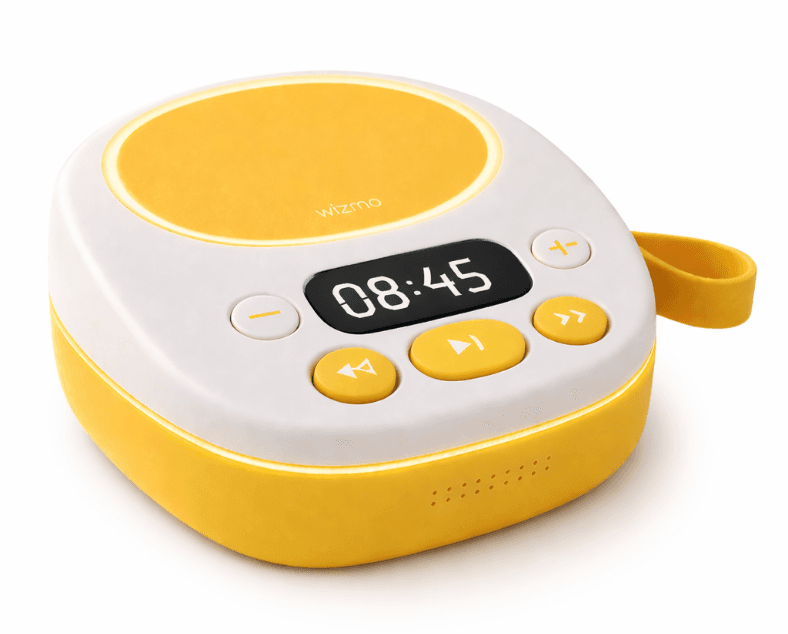
Using Wizmo
How do I set up my Wizmo?
Turn on your Wizmo and follow the setup instructions in the Wizmo Parent App. Connect your Wizmo to Wi-Fi, complete the setup, and you're ready to start listening.
How do Wizmo Cards work?
Simply tap a Wizmo Card on your player to start listening. If Wizmo is connected to Wi-Fi, the card's content will be downloaded automatically. Once downloaded, you can listen without Wi-Fi.
How do I add a new Wizmo Card?
Simply tap any Wizmo Card on your player while it's connected to Wi-Fi. The card will automatically be added to your Wizmo and will also appear in the Wizmo Parent App.
Does Wizmo need Wi-Fi to work?
Wizmo needs Wi-Fi to set up your device and download new content. Once the content is downloaded, you can listen without Wi-Fi.
How do I charge my Wizmo?
Connect Wizmo to a power source using the USB-C charging cable provided in the box. The battery indicator on the device shows the current charge level.
My Wizmo or Card isn't working. What should I do?
Make sure your Wizmo has enough battery and is switched on. If the problem continues, restart your Wizmo and try again. If you're still having trouble, contact our support team and we'll be happy to help.
Still Need Help?
Our support team is here to help.
Contact Support